Have you ever felt frustrated that AI just doesn’t sound quite like you?
I definitely have. It can be tough to get that personal touch. But I’ve found a gentle approach that helps AI (like Gemini, ChatGPT, or Claude) naturally reproduce your unique voice, simply by learning from your past articles.
- The Secret: Ask AI to “Analyze” Before Asking It to “Write”
- Step 1: Generate Your Training Data
- Step 2: Extract Your “Writing DNA” (The Analysis Prompt)
- Step 3: Lock in the Persona
- Step 4: The Perfect Instruction Template
- Step 5: Automate It (Creating a Persistent Persona)
- Step 6: The “Self-Correction” Polish
- Conclusion
The Secret: Ask AI to “Analyze” Before Asking It to “Write”
A common stumble is asking the AI to “write a blog post” right away. Instead, taking a little time to let the AI gently extract your unique writing style from your past work makes a world of difference.
Update: February 17, 2026
To make this process even easier, I have added a feature that allows you to download the JSON file and the instruction TXT file together as a Zip file. By uploading these files to major AIs, you can start directly from Step 3: Theme Creation.

Step 1: Generate Your Training Data
First, we need to gather your past work. You can use a simple free tool called Blog2AI .

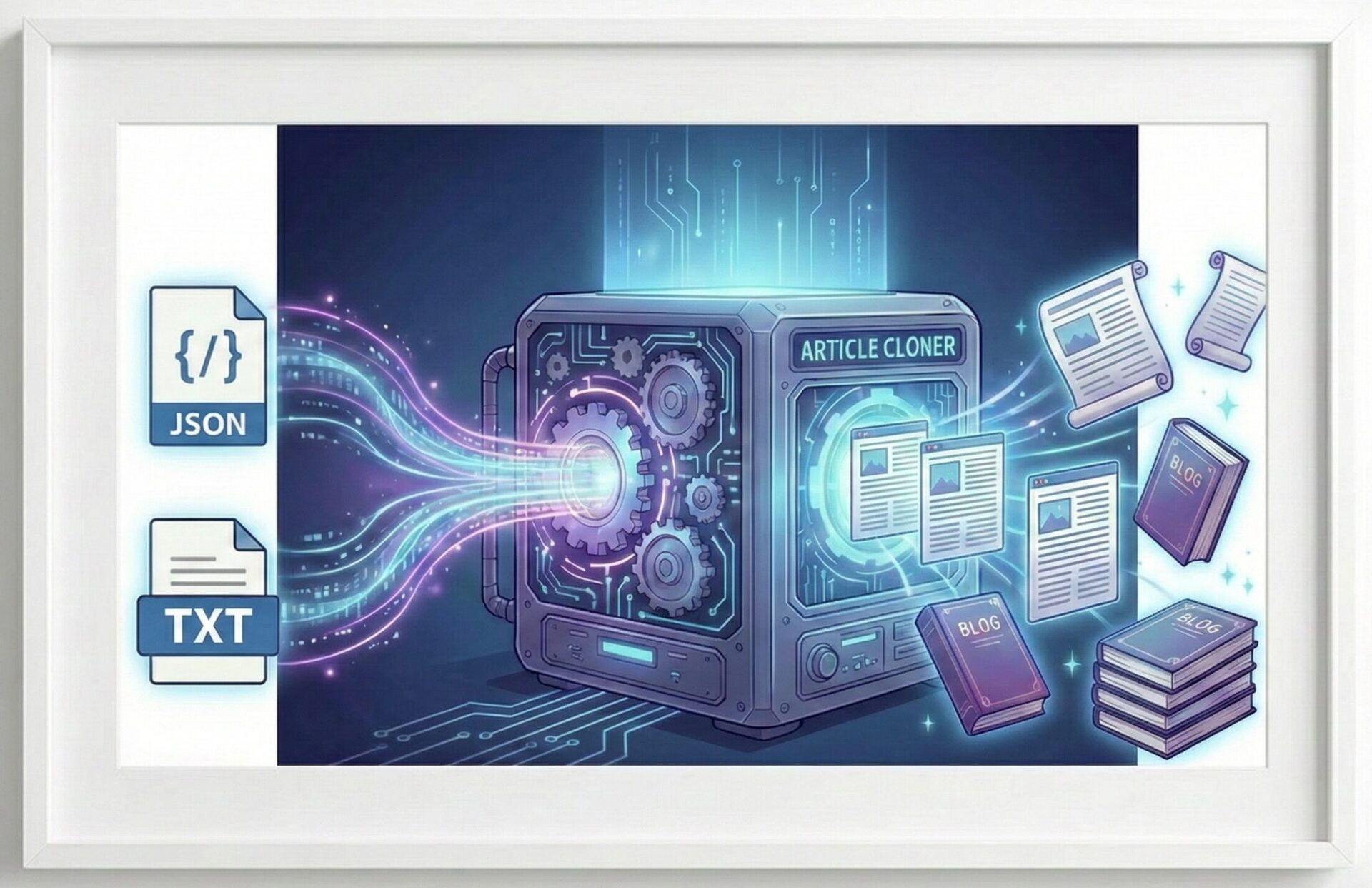
It easily converts your blog URL or posts into a JSON file (or a .txt file for NotebookLM). This file becomes the helpful guide the AI needs to understand your voice.
Step 2: Extract Your “Writing DNA” (The Analysis Prompt)
Upload the JSON/TXT file to your AI of choice (Gemini, ChatGPT, or Claude) and run this prompt:
Prompt
Here is a file containing [Number] of my blog posts.
Your task is to analyze this data and extract my unique writing style.
Please analyze the following points:

Sentence structure and rhythm

Vocabulary tendencies

Tone and perspective (e.g., distance to the reader)

How emotion is naturally expressed

Typical patterns for ending articles

IMPORTANT: Please do not write any new content yet.
Just analyze the data and output a bulleted list of "Writing Rules for this Blog".Step 3: Lock in the Persona
Once the AI presents the analysis, gently confirm it with this prompt to lock it into your current session:
Prompt
Thank you, that analysis looks correct.
From now on, whenever I say "Write in the style of [Blog Name]",
please strictly adhere to these writing rules.
Now, the AI has a “virtual persona” that softly mimics you.
Step 4: The Perfect Instruction Template
When requesting a new article, it helps to give the AI a clear structure. You can use this template:
Prompt
Theme: [Your Topic Here]
Angle:

Written from the perspective of...

Targeting readers who are...
Must-Include Elements:

Start with a brief personal anecdote

Provide a broader perspective in the middle section

End with an open question for the reader, not a strict conclusion
Please Avoid:

Overly explanatory or generic "AI-like" tone

Too many bullet points

Jargon without simple context
Length: Around [Word Count] wordsStep 5: Automate It (Creating a Persistent Persona)
Repeating this process every time can be tiring. Here is how to save your settings permanently depending on the AI you use.
For Gemini (Using “Gems”)
Go to Gem Manager -> New Gem.
Instructions:
Role: You are a dedicated writer for [Your Blog Name], trained on my specific stylistic rules.
Rules: [Paste the "Writing Rules" list the AI generated in Step 2 here]

Directives:

Prioritize natural style reproduction above all else.

Please avoid flat, generic AI phrasing.

Maintain a friendly "talking to a friend" distance unless specified otherwise.
For ChatGPT (Custom Instructions)
Add this to your context to prevent the “AI accent”
Role: Dedicated writer for [Your Blog Name].
Style Rules: [Paste the "Writing Rules" list here] Output Rules:

Draft the content.

Perform a self-critique: "Is there any robotic or 'AI-like' phrasing?"

Output the corrected, human-sounding final version.
Please Avoid: Generic AI tone, excessive bullet points, and robotic "In conclusion" summaries.
For Claude (Projects)
Claude is widely regarded as having the strongest ability to capture nuance and style, often resulting in the highest reproduction quality.
The “Projects” feature is perfect for this. Create a Project, upload the JSON/TXT file to the Project Knowledge, and set the Custom Instructions to:
Role: You are a helpful writer who perfectly reproduces the writing style of the attached blog
data.Context:[Paste the "Writing Rules" list here]Directives:

Prioritize style reproduction.

Even if the meaning is correct, if the tone feels off, please rewrite it to match my style.

Maintain the natural sentence rhythm of the source material.
Before outputting,
please perform an internal self-check to ensure the style feels human and natural.Step 6: The “Self-Correction” Polish
If the output still feels slightly robotic, this final gentle push works wonders:
Prompt:
Please draft the article first. Then, look over your own draft and point out
 where "the unique blog voice feels a bit weak."
 Finally, rewrite it into a completed version that warmly fixes those weak points.
Conclusion
Finding your ideal AI writing partner takes a little patience, but the results are truly rewarding. I hope this guide helps you enjoy creating content that genuinely feels like yours. Give Blog2AI a try, and have fun writing!